Simon’s a master at ‘blades’ and Jack’s got plenty. He is a victorian gentleman of course so the cup of tea and handlebar moustache is very much the go.
Ross Robinson took a step back here and combined a girl, her surfboard, a pose, the early morning birds, and some great design techniques to bring home the feeling of great anticipation.
The colours and the circle frame make you think of the rising (or setting) sun, and lift you off (in a relaxing way) to the beach.
If you’re more into the water than the sand, there’s a variation you might prefer.
Sometimes the best effects come from simple techniques.
What I particularly like about this great design by Matthew Dunn is that not only is it just rocking minimal colours, it’s got a great feeling of leaping ‘alien-style’ from your chest.
The lines in the face and the expression are very Stan Lee, making the subject appealing straight away.
Simple subject, but the face detail and colour combinations make this a really effective and cool shirt.
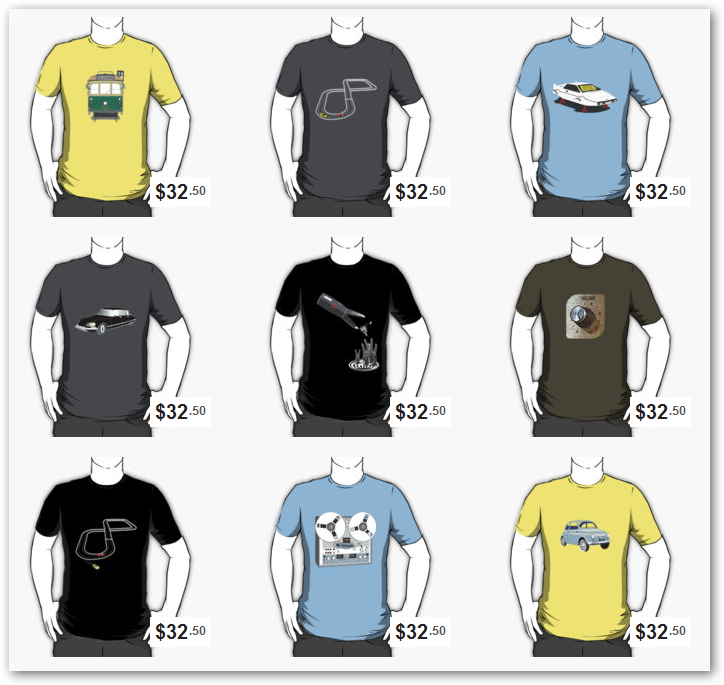
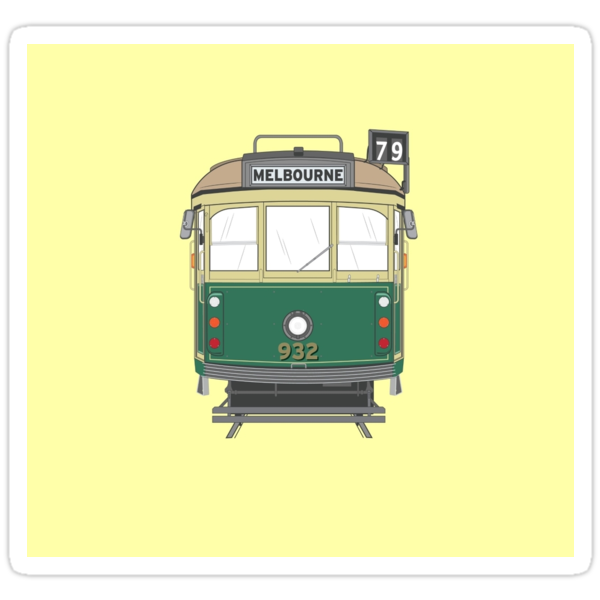
If you’re a visitor or a local to Melbourne, trams are an icon part of the city scenery. From the heritage trams like this one, right up to the bumblebee ones with ’simulated’ bells.
I wanted to draw something that struck me as ‘Melbourne’ without getting too contrived. This (being a tram) isn’t typically ‘cool’ or ‘creative’ as such. Just my vector interpretation of a Melbourne icon. Great to show the world where you’re from (or where you’ve been).
There’s also a black and white alternative if you don’t like wearing the colours.
I love it when enthusiastic people find the time to write positively about other people’s work (I try to do it myself). Cathie Tranent’s a great creative talent who’s channelling such thoughts into a new blog devoted to t-shirts and other designers.
Is that a Tenacious D reference I spot in the title?
Posted by mattsimner on September 16, 2009 – 8:23 am
:: Filed under Tutorial
People visualise Andy Warhol and Campbell’s Soup when they think Pop Art. This tutorial shows how to quickly create a subtle, stylised effect using some simple Photoshop filters and adjustment layer techniques.
Things to note:
The choice of photo is more about and expression, or style than the resolution or technical quality as you’ll potentially be zooming into an area and cropping.
There’s lots of different ways to strip the detail from photos in a cool way – half the filters in Photoshop can do that, so you can substitute the filters used here for many others.
Don’t be afraid to try different colours (in the filters), and merge multiple effects on different layers to create your own style.
Posted by mattsimner on September 4, 2009 – 10:30 am
:: Filed under Redbubble
A big thanks to everyone who voted for my Grinder Mincemaster Music Machine (try saying that with a mouthful of popcorn) in the Redbubble Demo Music Machines challenge.
It’s reached the top 20 (out of almost 300 entries) to be considered by Demo stores in London. The top 5 chosen by Demo get their designs printed by and sold in their stores.
Congratulations to all the other people whose designs made it through, and my day just been well and truly made!
Posted by mattsimner on August 25, 2009 – 9:30 pm
:: Filed under Tutorial
There’s lots of ways to create most effects in Photoshop, and this particular subject is no exception. Here’s a little video tutorial using a few techniques to create rubber stamped text in Photoshop.
Other ways to achieve the ’stamped’ look
Take the text and outline and add a ’splatter’ filter
Take another image and apply threshold to it (to get some irregular black/white shapes), then paste into your layer mask. You need to find an image with the right kind of contrast for this to work well